Strava connection update

We’re currently experiencing an issue with the connection between Strava and JustGiving. This means your Strava activities may not automatically appear on your Prostate United fundraising page.

You can still record your activities in Strava as normal, and your JustGiving fundraising page will continue to accept donations.

For now, the best way to connect to Strava is doing this directly on JustGiving.com
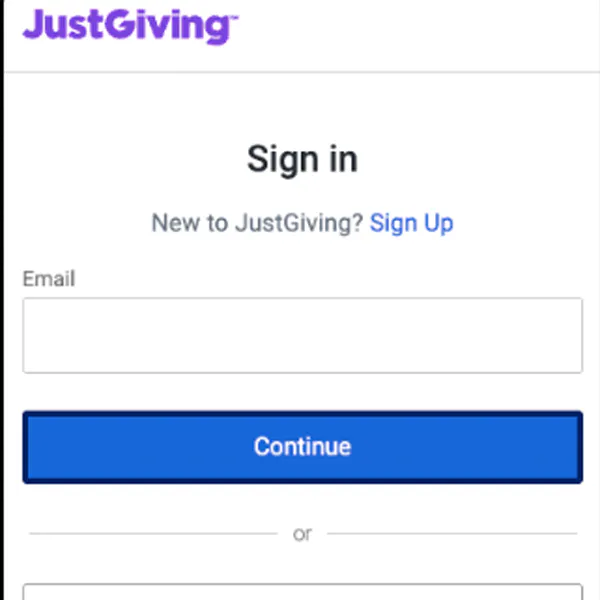
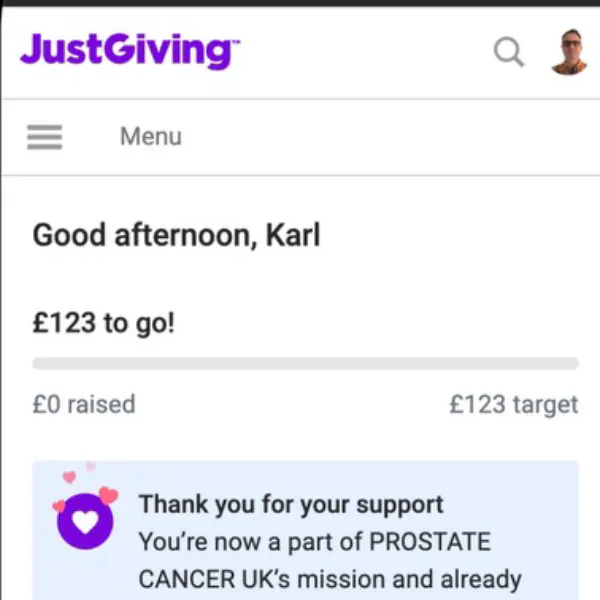
Step 1: Sign in to JustGiving

Step 2: Open your fundraising pages

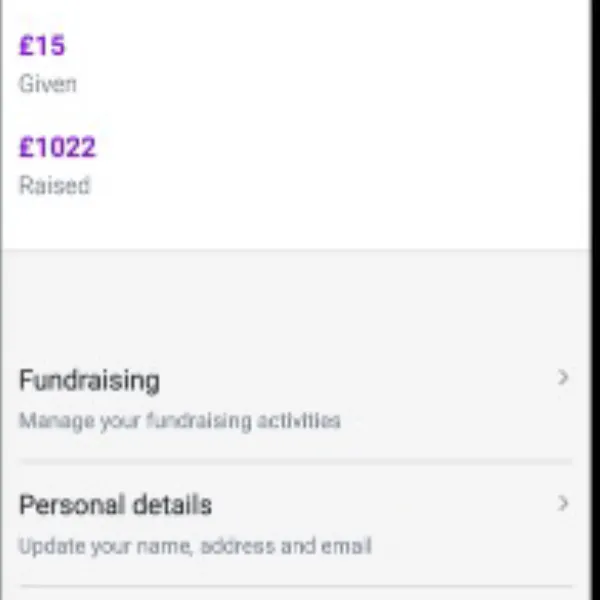
From your JustGiving profile, select Fundraising.

Step 3: Select your Prostate United page

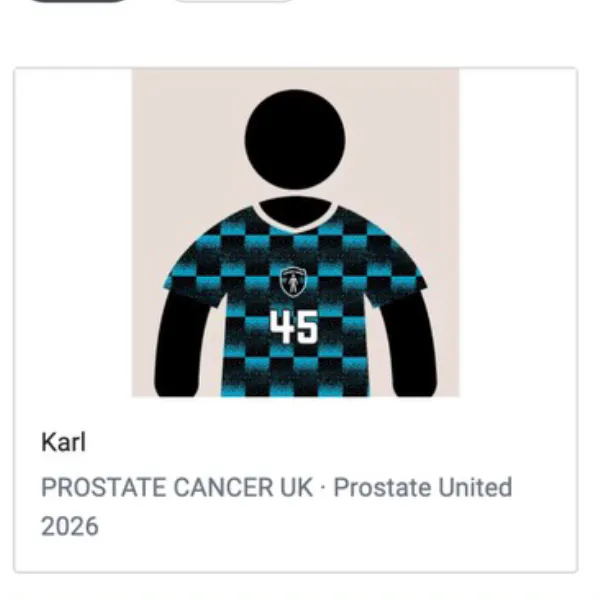
Choose your active Prostate United 2026 fundraising page

Step 4: Open Page Settings

Open the menu at the top of your fundraising page and select Page Settings.

Step 5: Connect Strava

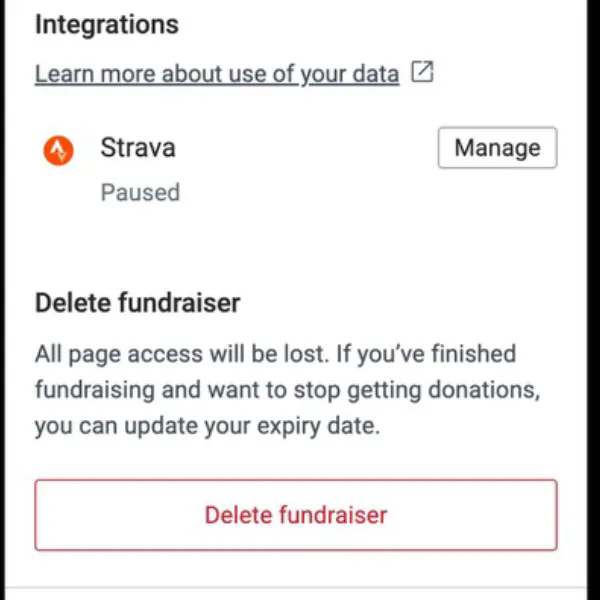
In Page Settings, find the Strava section and select Manage.

Follow the on-screen instructions to connect your Strava account to your JustGiving fundraising page.

If you're unable to connect your Strava account after following these steps, please contact the JustGiving support team and we'll be happy to help at help@justgiving.com.